
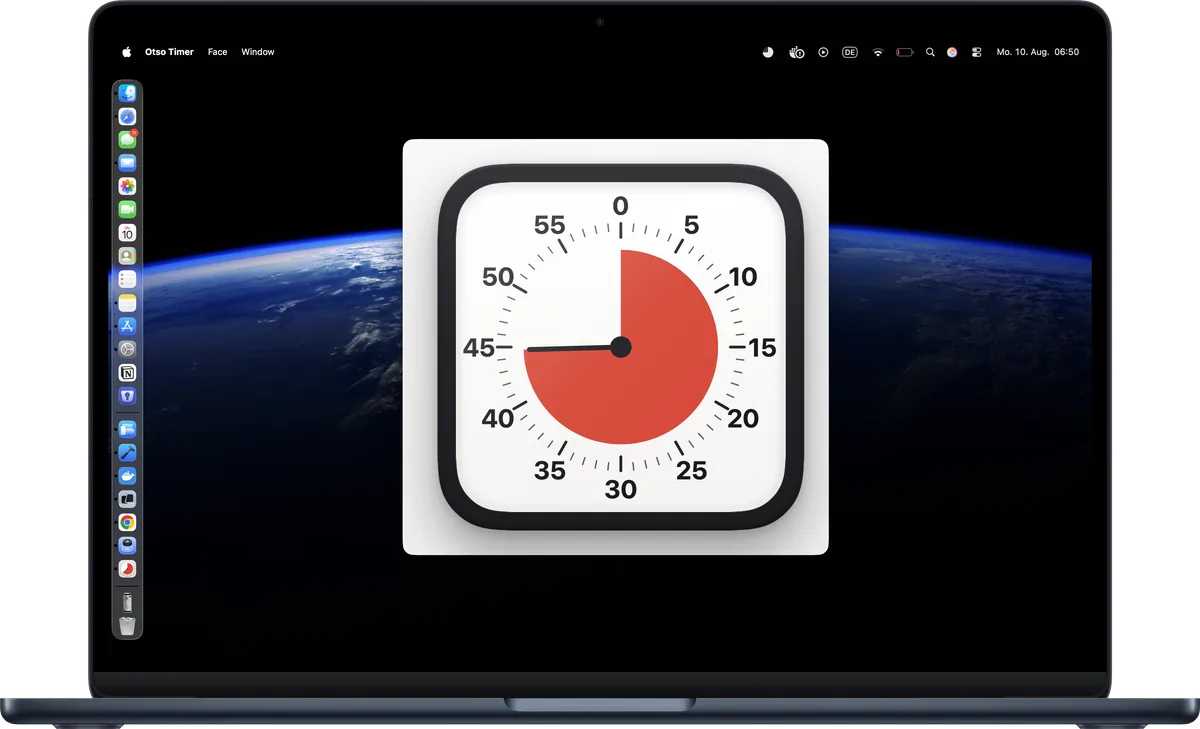
Mac
macOS 15 or later
- A small floating desk timer that stays out of your way
- A little wedge in the menu bar keeps counting when the dial is put away
- Twist or circle two fingers on the trackpad to dial; swipe with two to change face
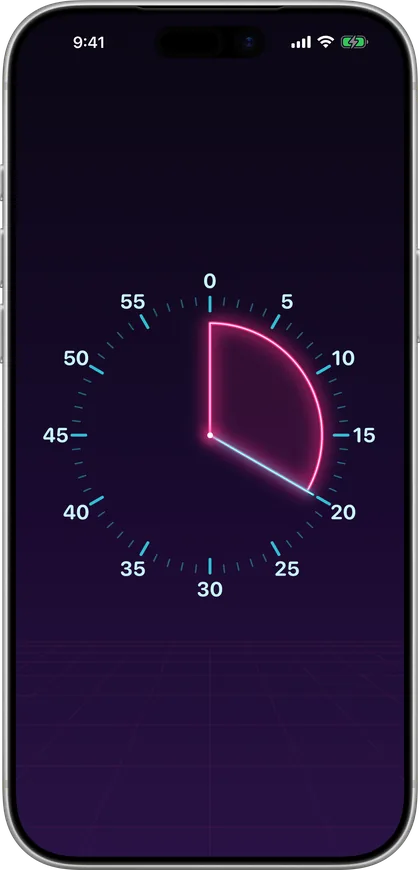
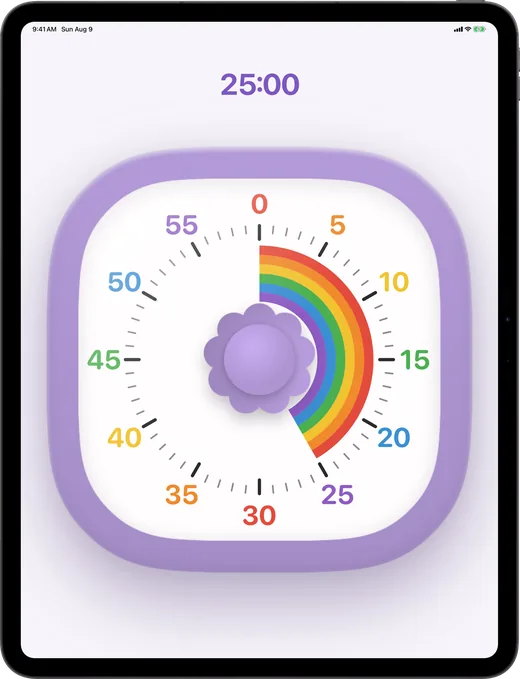
A coloured wedge shrinks as the minutes run down. Everyone in the room reads it at a glance — no numbers, no arithmetic, nobody asking how long is left.
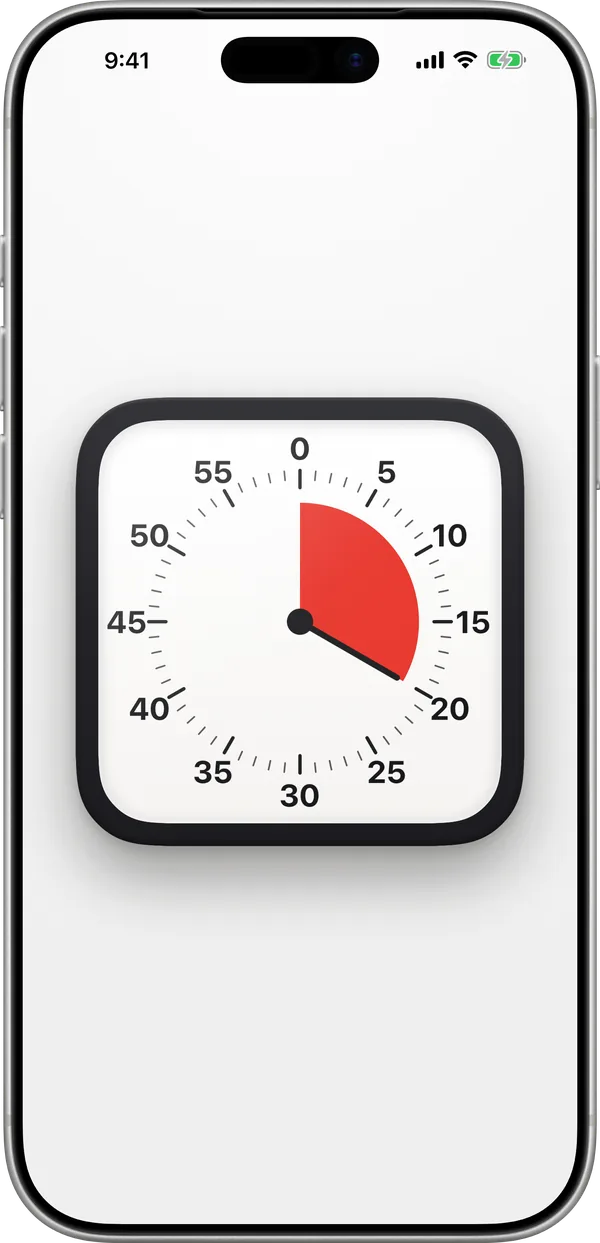
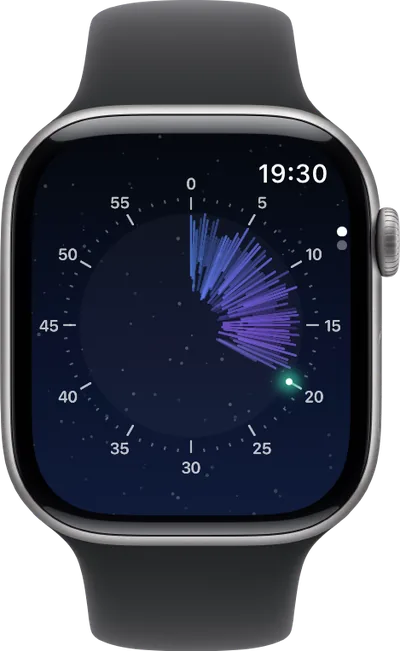
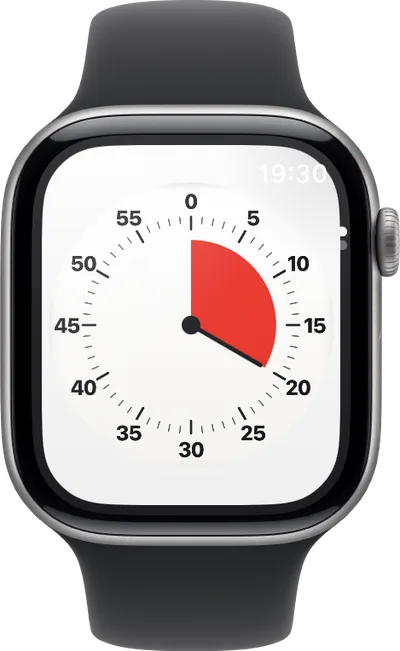
The same fifteen faces on your phone, your iPad, your desk and your wrist — each one built for how you use that device.
Pay once, €0.99 / $0.99 — and it's yours on every device. No ads, no subscription, no account.
A wedge retracts to zero so remaining time is obvious at a glance — for focus, for kids, and for anyone who thinks better when time is visible.
Drag the dial or twist the knob and it ratchets, click by click. Flick it and it spins down to a stop; hit either end and you feel the thud.
From a classic charcoal timer to turned walnut, a dot-matrix LCD, a humming neon tube, an aurora and a party cake that bursts into confetti.
Walnut knocks, glass rings, the LCD clicks like a watch button. At zero it shakes, rings and buzzes, like a kitchen timer. Sound and haptics switch separately.
The countdown lives on in the Dynamic Island and the Lock Screen, and keeps real time with the app closed. Pause or cancel without unlocking.
No account, no tracking, no data collected. Everything runs on your device. Pay once, keep it.
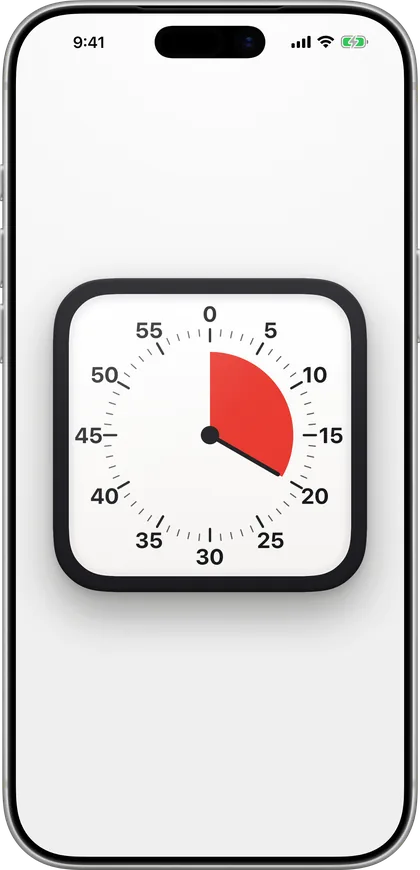
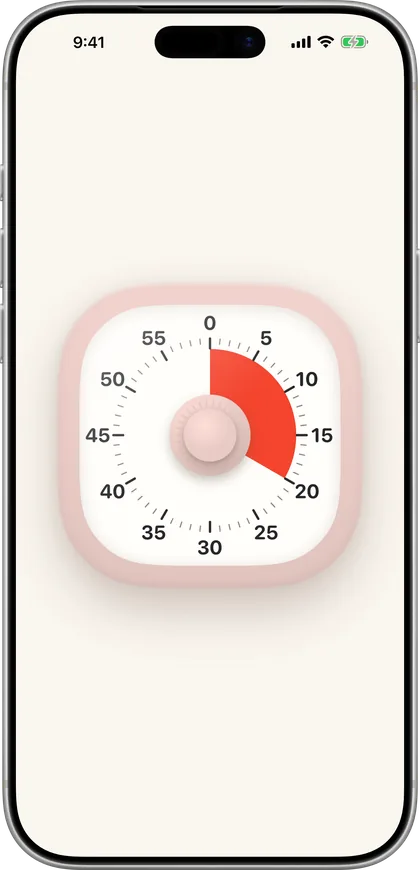
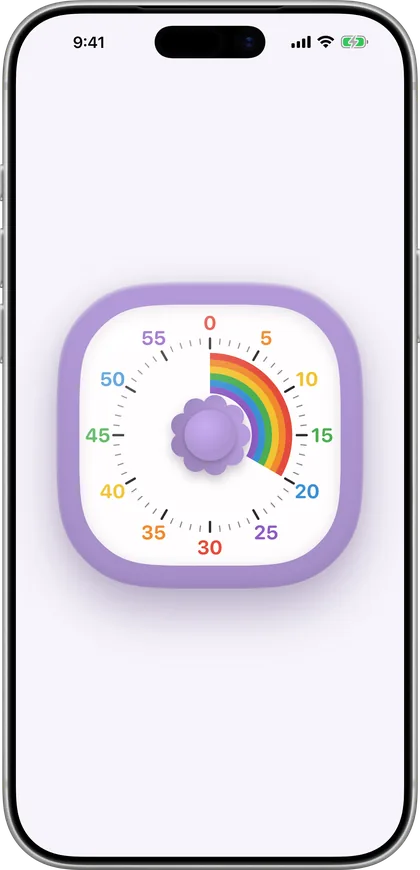
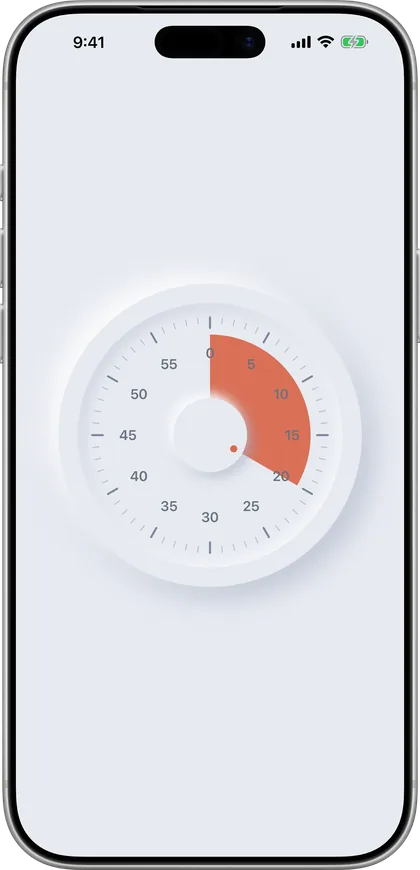
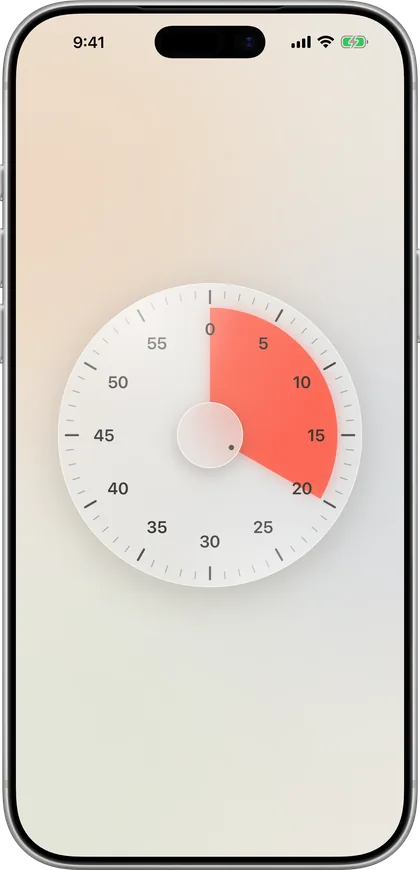
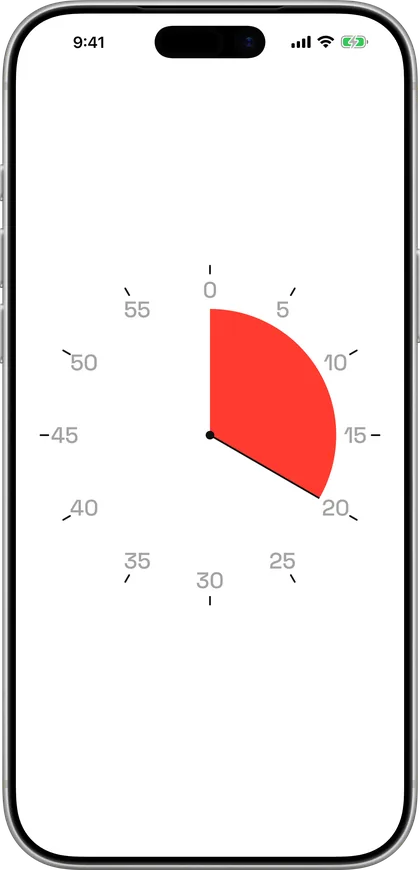
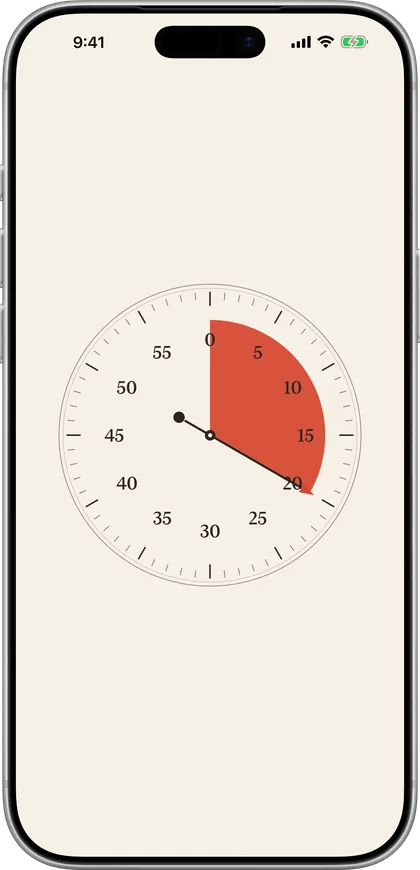
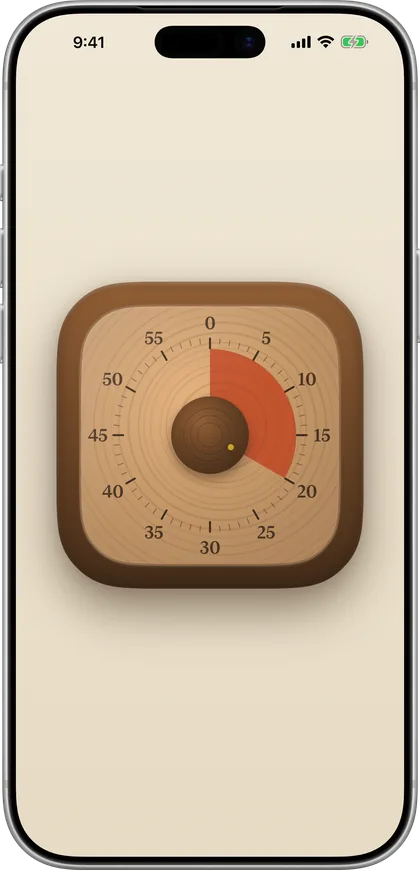
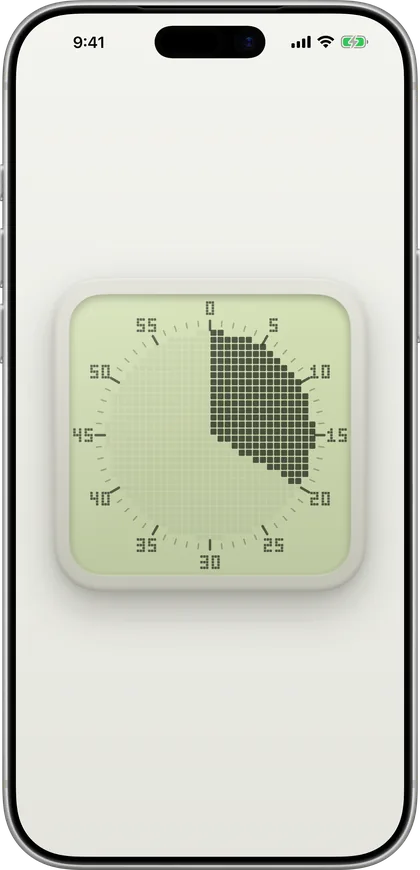
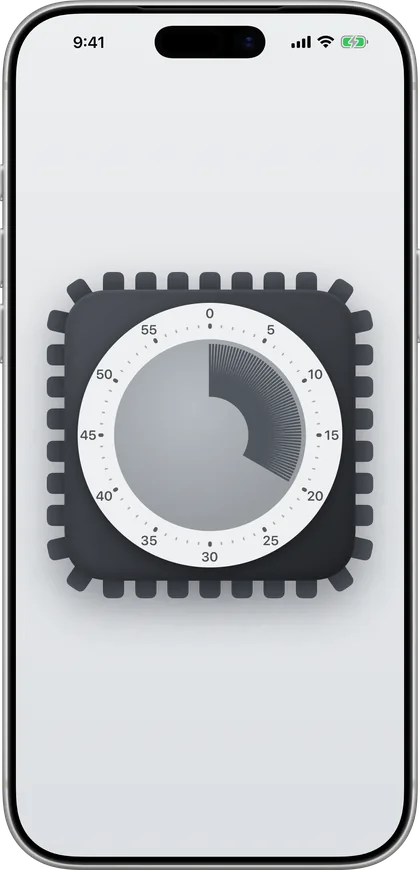
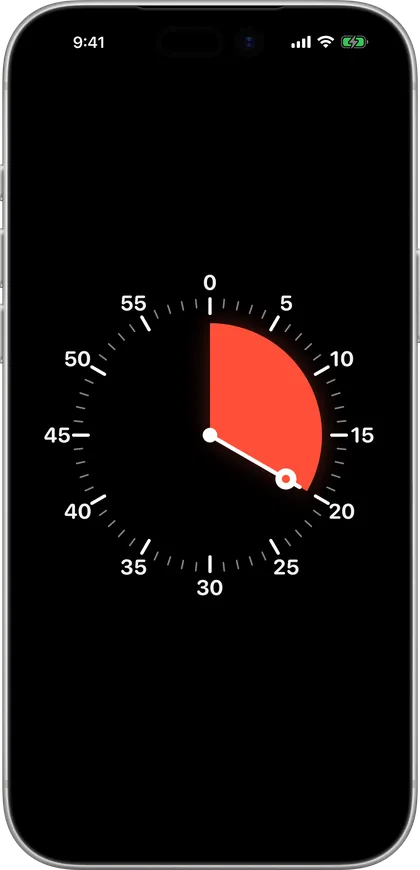
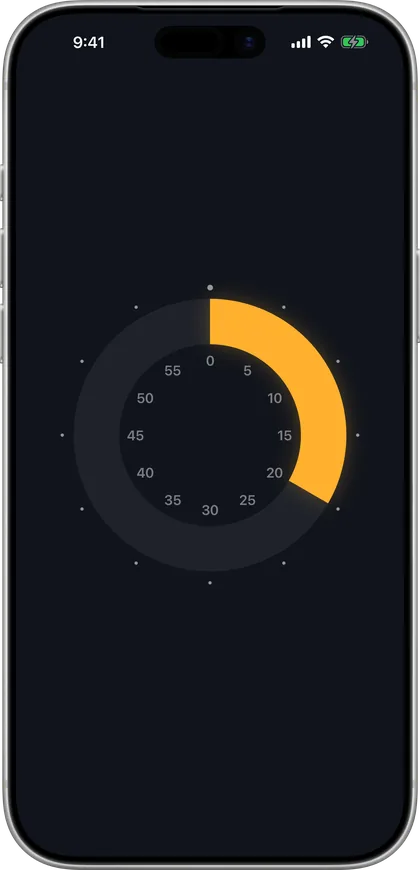
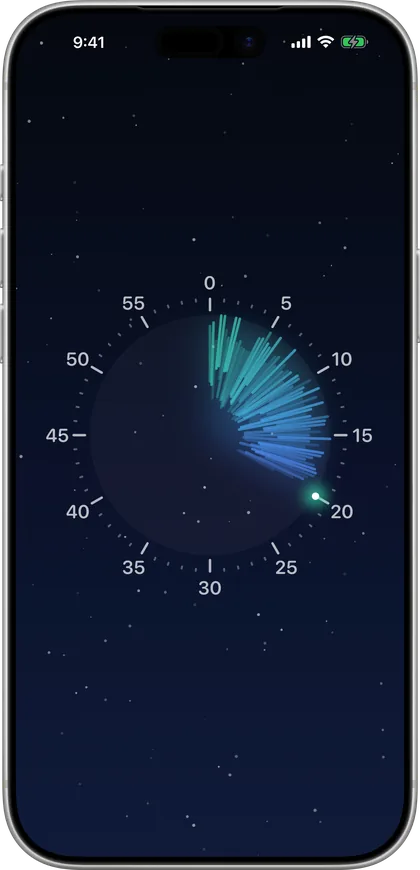
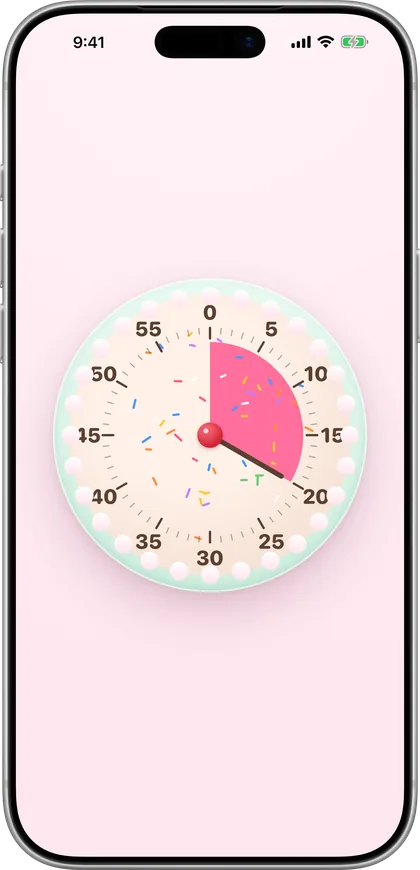
A visual timer shows time as a shrinking coloured area instead of digits, so you can see how much time is left at a glance. Otso brings that idea to iPhone, iPad, Mac and Apple Watch — a wedge retracts to zero across fifteen hand-made faces.
iPhone and iPad with iOS 18 or later, Mac with macOS 15 or later, and Apple Watch with watchOS 10 or later. One purchase covers all of them.
Yes. All fifteen faces are on the watch. Turn the Digital Crown to set the time, tap to start, swipe sideways to change face and swipe up for settings. The watch app runs on its own — your iPhone does not need to be nearby.
Yes. On the Mac the dial is a small floating desk timer, with a wedge in the menu bar. Twist or circle two fingers on the trackpad to dial, and swipe with two fingers to change face. It's included in the same purchase.
Yes. On iPhone the countdown carries on in the Dynamic Island and on the Lock Screen, drawn as the face you picked, and you can pause or cancel it from there.
Drag anywhere on the dial (or twist the knob on faces that have one) to set the minutes, then tap to start. Tap again to pause or carry on. On Apple Watch, turn the Digital Crown; on the Mac, twist two fingers on the trackpad.
Swipe sideways in the space beside the dial to change face, and swipe up for settings. Or press and hold the dial to lean back into a desk of faces. Settings cover the dial length, direction, what happens at zero, and every sound and haptic.
Pick a dial of 5, 10, 15, 30, 60 or 120 minutes. Short dials give you finer steps; the 120-minute dial covers exams and long work blocks.
Many people with ADHD — and anyone doing focus or Pomodoro sessions — find a shrinking visual countdown easier to grasp than numbers. It makes time concrete, eases transitions, and cuts down on clock-watching. Read more.
Yes. A visible countdown helps children understand "how much longer" without reading a clock — great for routines, screen-time limits, homework, brushing teeth, and calm transitions.
Same at-a-glance idea, but on the devices you already have — fifteen faces, real haptics, clockwise or counter-clockwise, a Lock Screen countdown, and it keeps accurate time with the app closed. The history of the idea.
Everything runs on your device with no internet required. There's no account, no tracking, and no data collected of any kind. See our privacy policy.
A one-time €0.99 / $0.99 for iPhone, iPad, Mac and Apple Watch — no subscription, no ads, no in-app purchases, no account.